
Kestrel Physio
Back on Track
FREE Health
Live now
Beauty1 heroConstruction3 heroesE-commerce1 heroFood & drink13 heroesHealth1 heroRetail1 heroTravel1 heroComing
Design brief
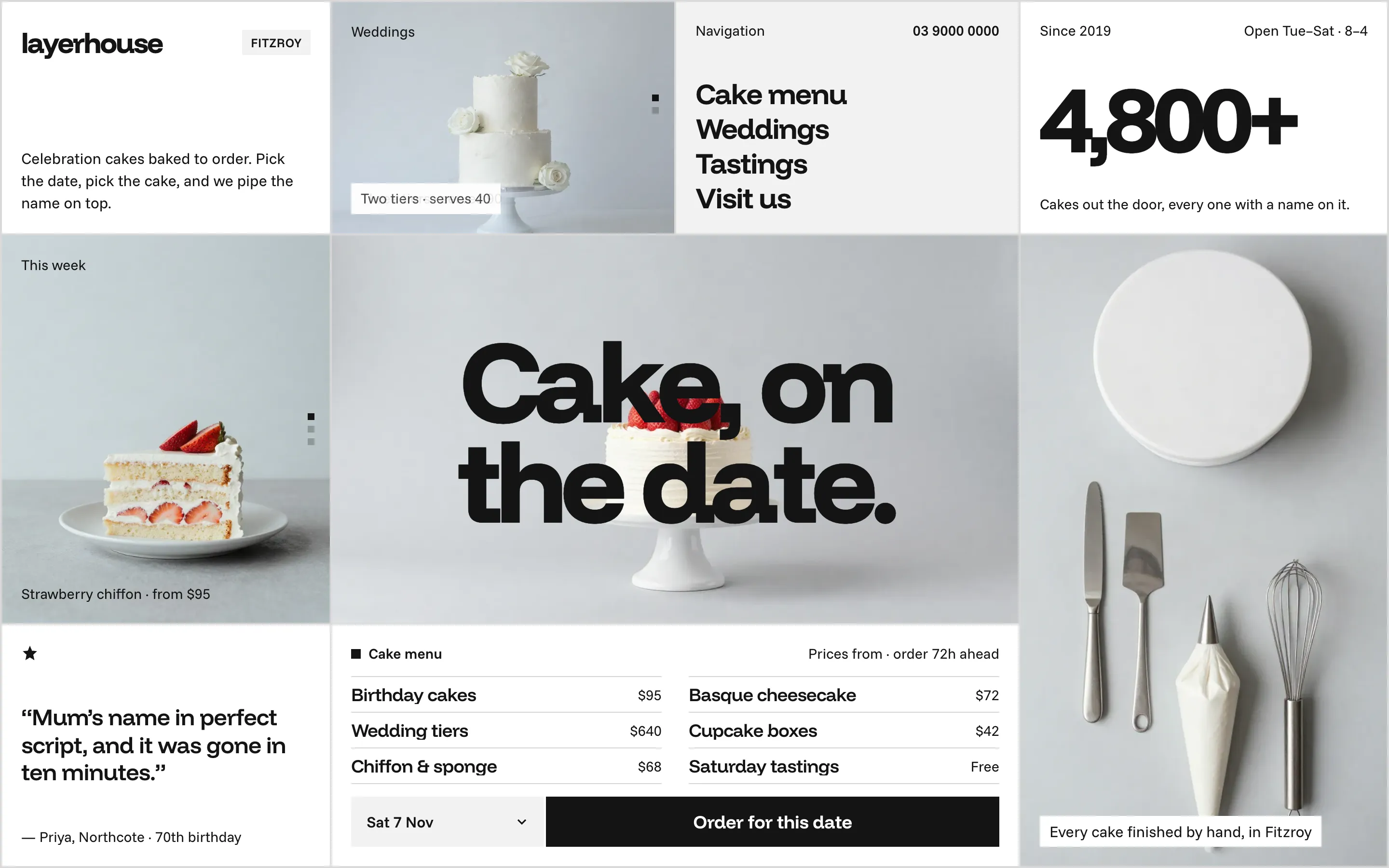
People ordering a celebration cake think in dates first: the party is on Saturday. Put the date and the Order button next to the price list, so a visitor can see what a cake costs and claim a day in one look.
One white cake under a huge headline says what the shop does before anything is read.
The price menu answers 'how much?' at once, and the date picker plus Order for this date turns that answer into an order.
A navbar tile, a number tile (4,800+ cakes) and a real review fill the grid with trust instead of decoration.
Walk-in shops with no ordering ahead
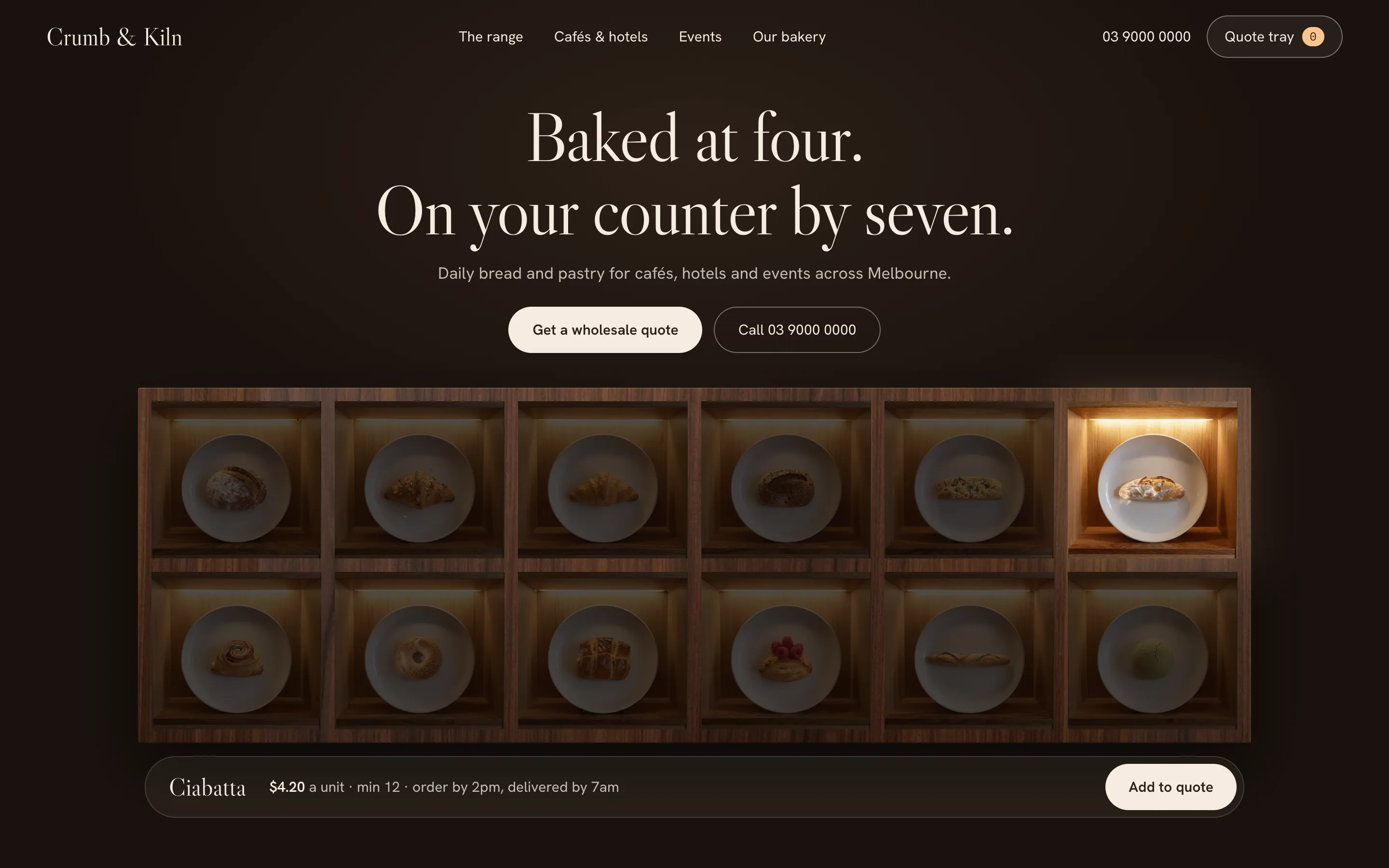
Try instead: Bake Cabinet or Plate Grid
Works as HTML, Webflow, Framer, WordPress.
Order for this date submits and calls per visit
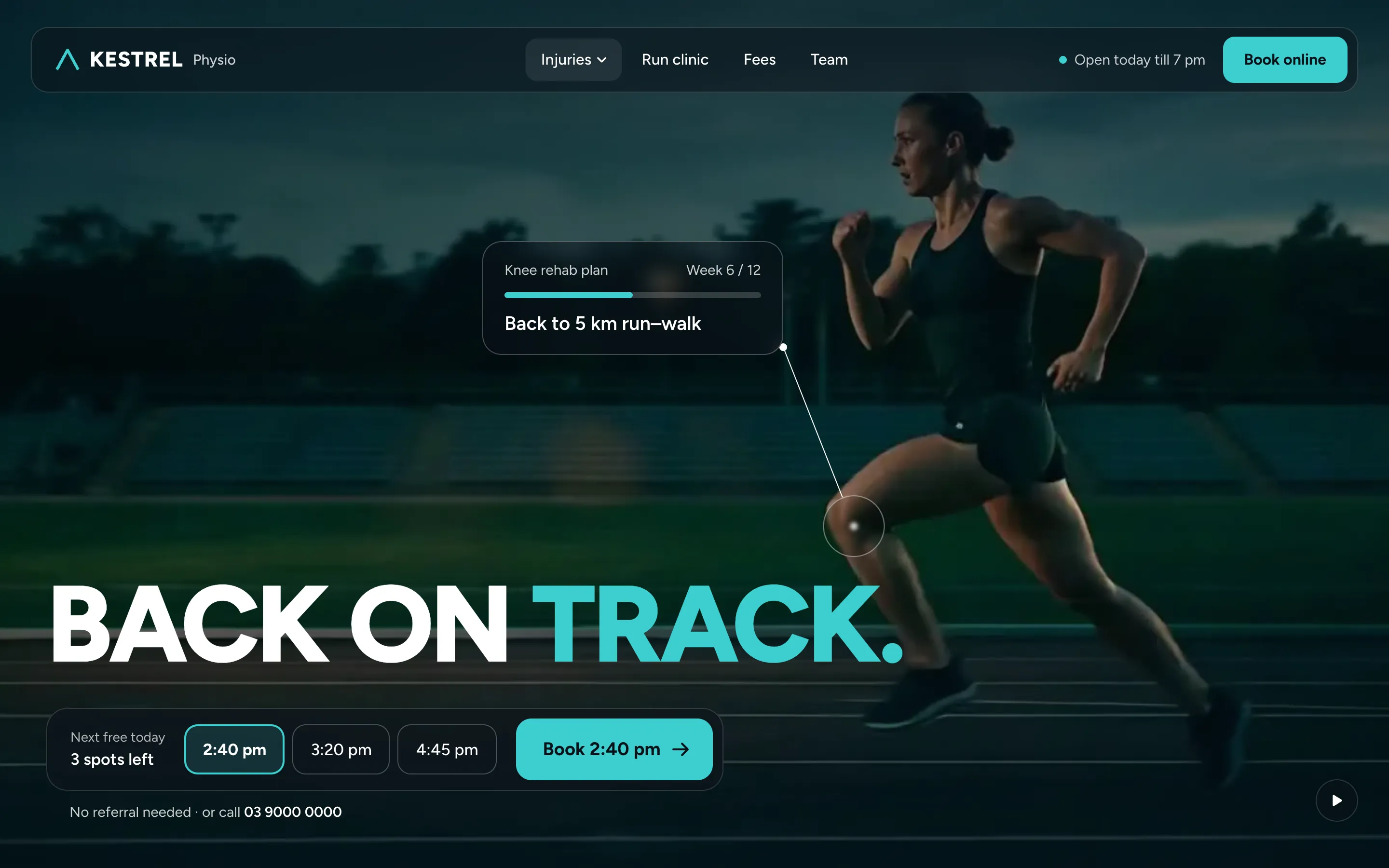
Back on Track
Bake Cabinet
Bake Calendar
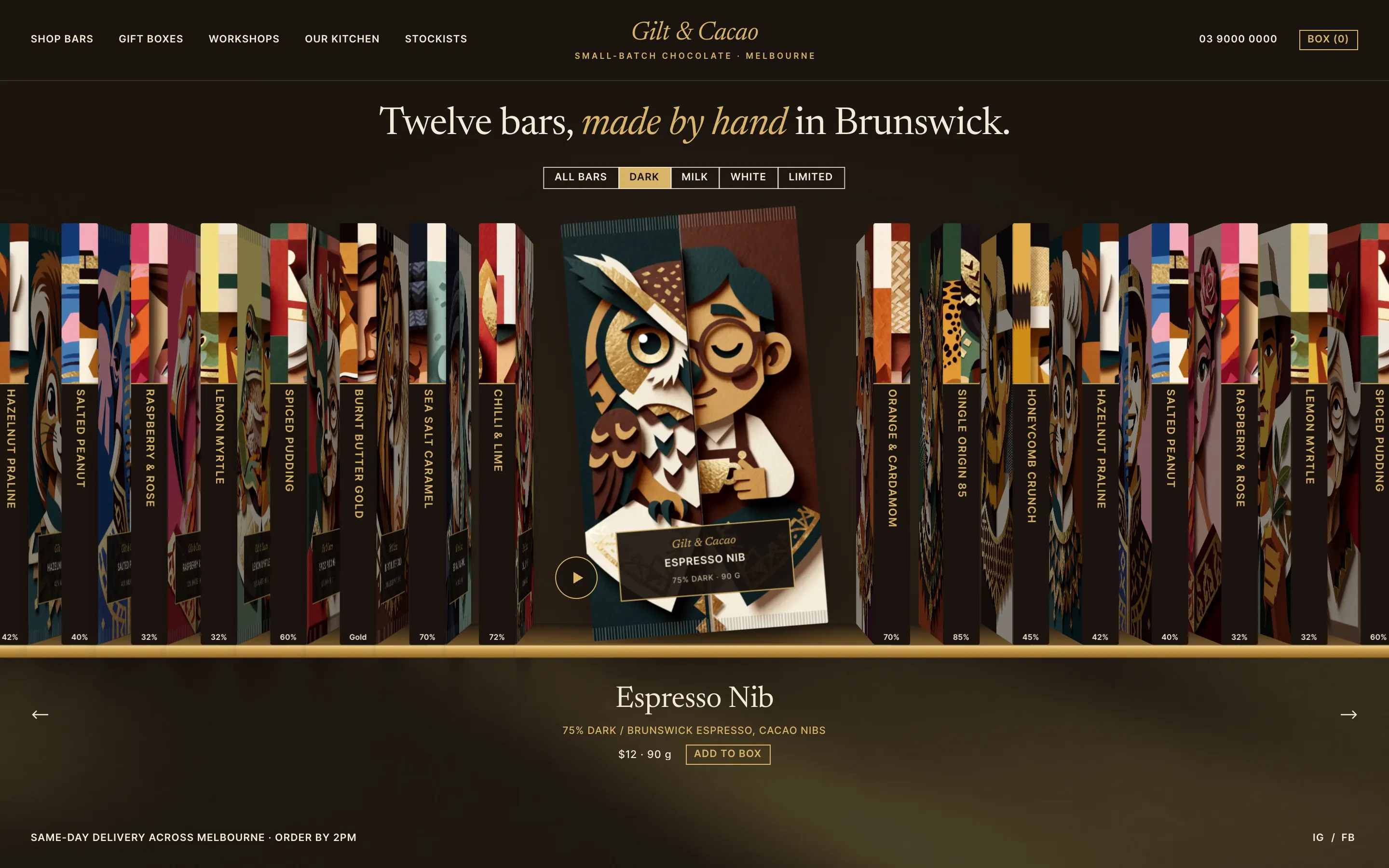
Bar Shelf
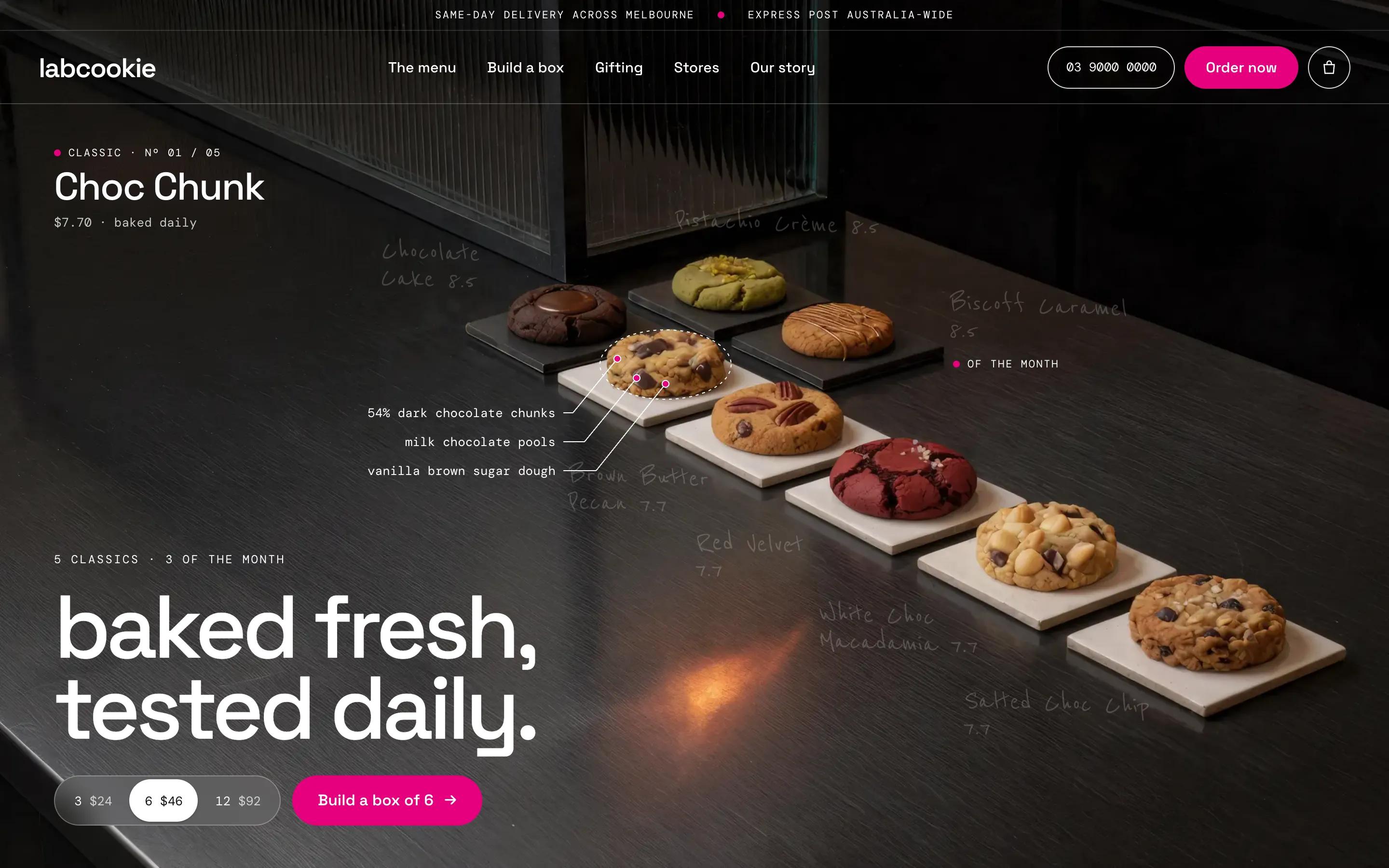
Cookie Counter
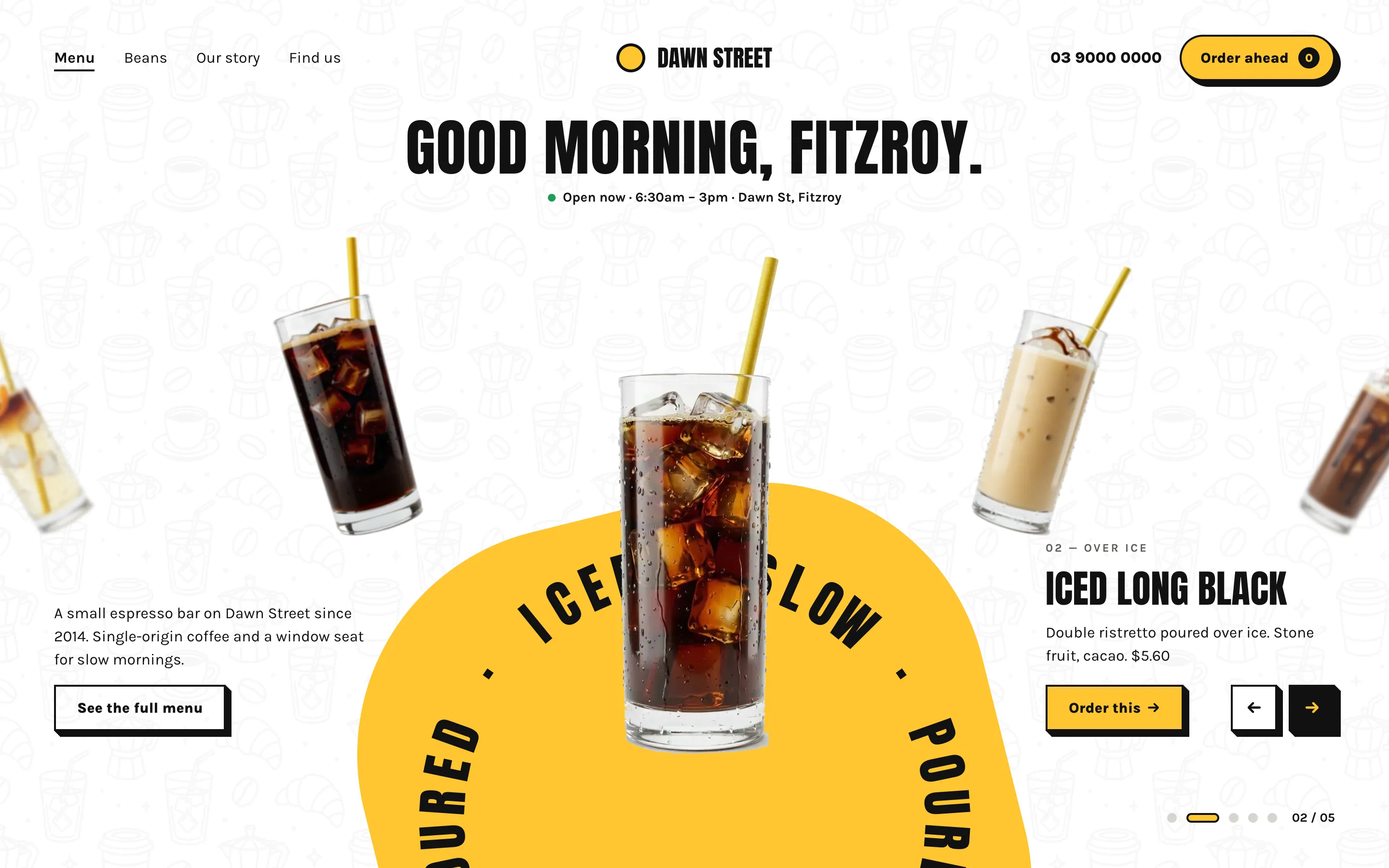
Drink Wheel
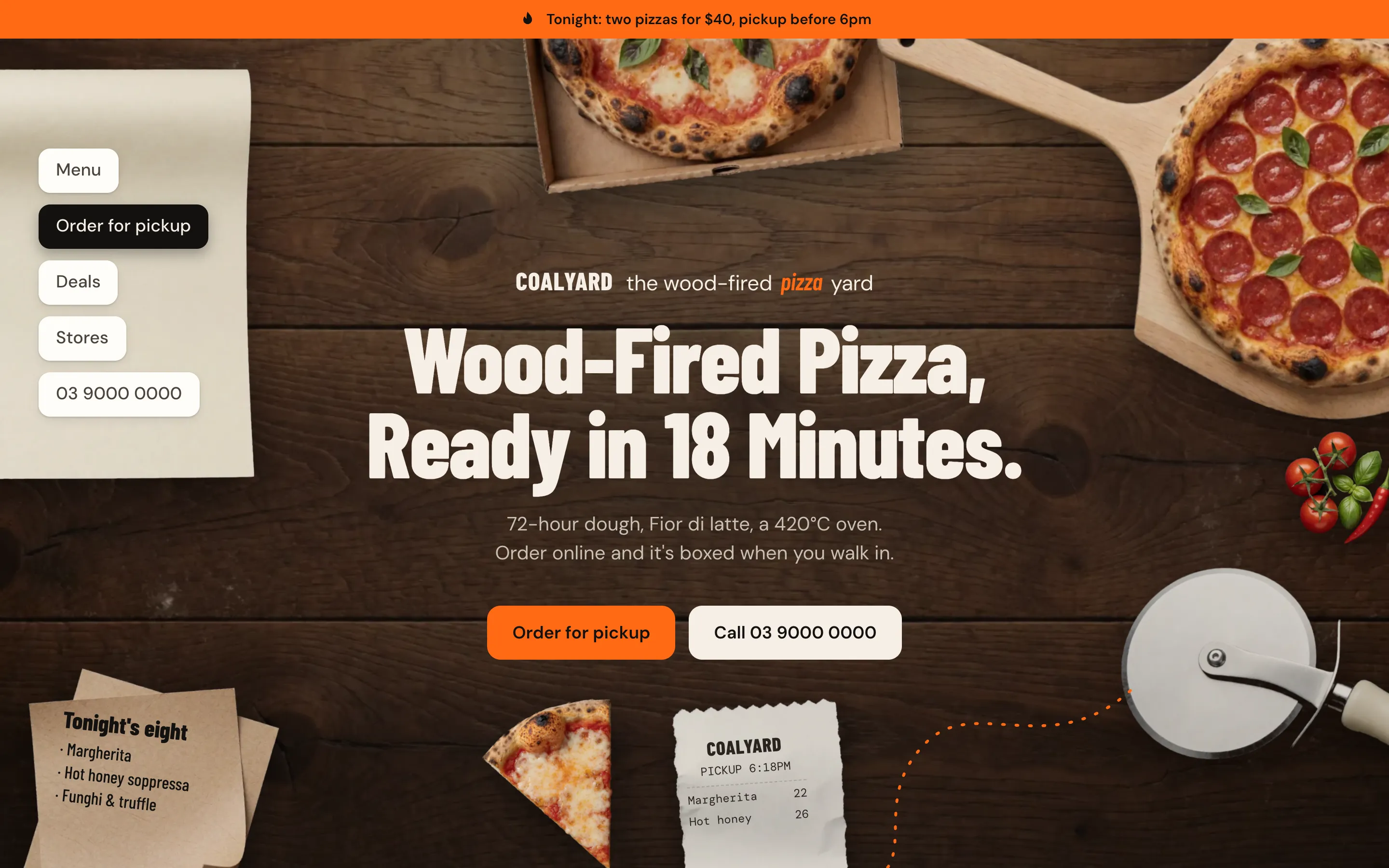
Flat Lay
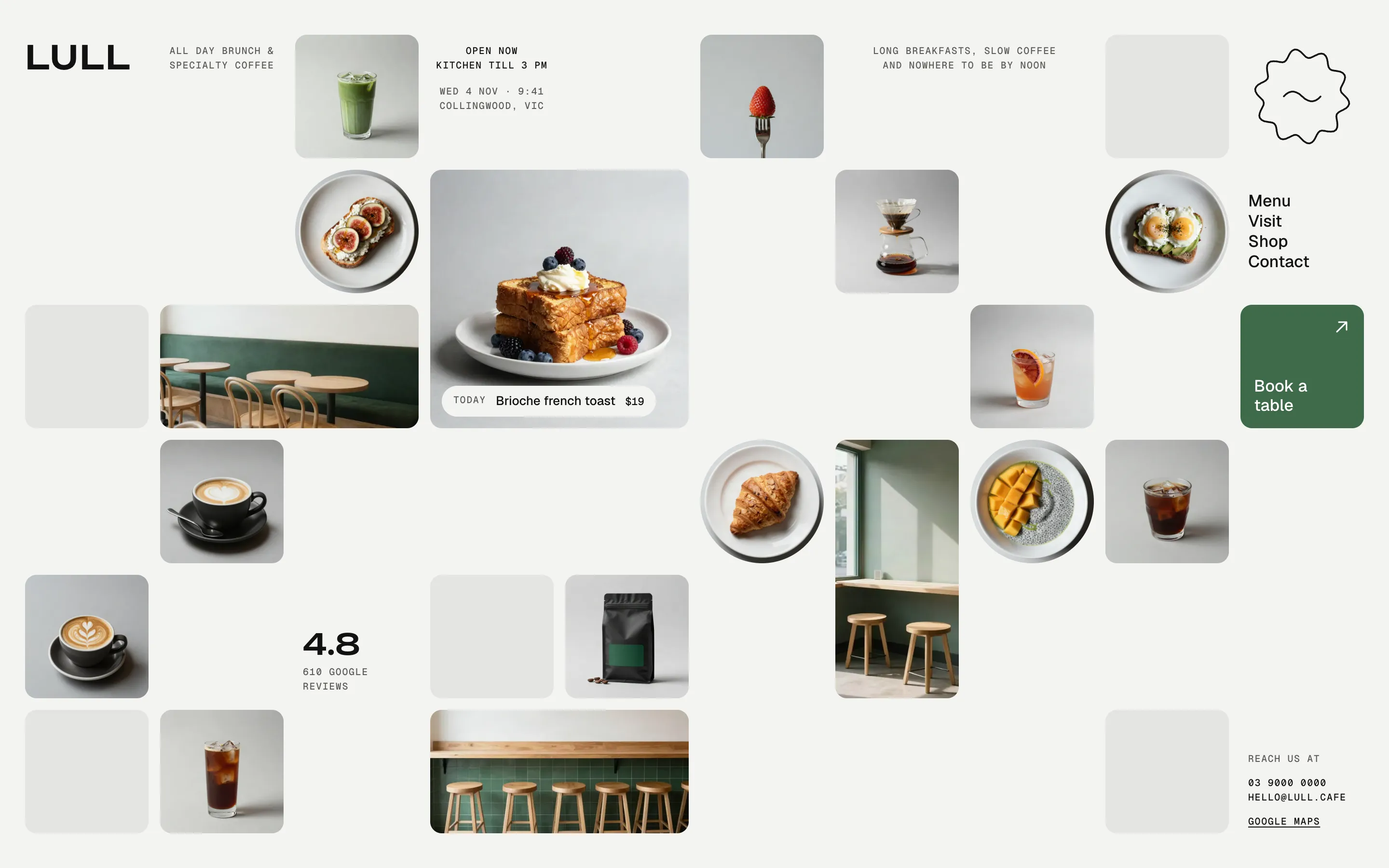
Gallery Grid
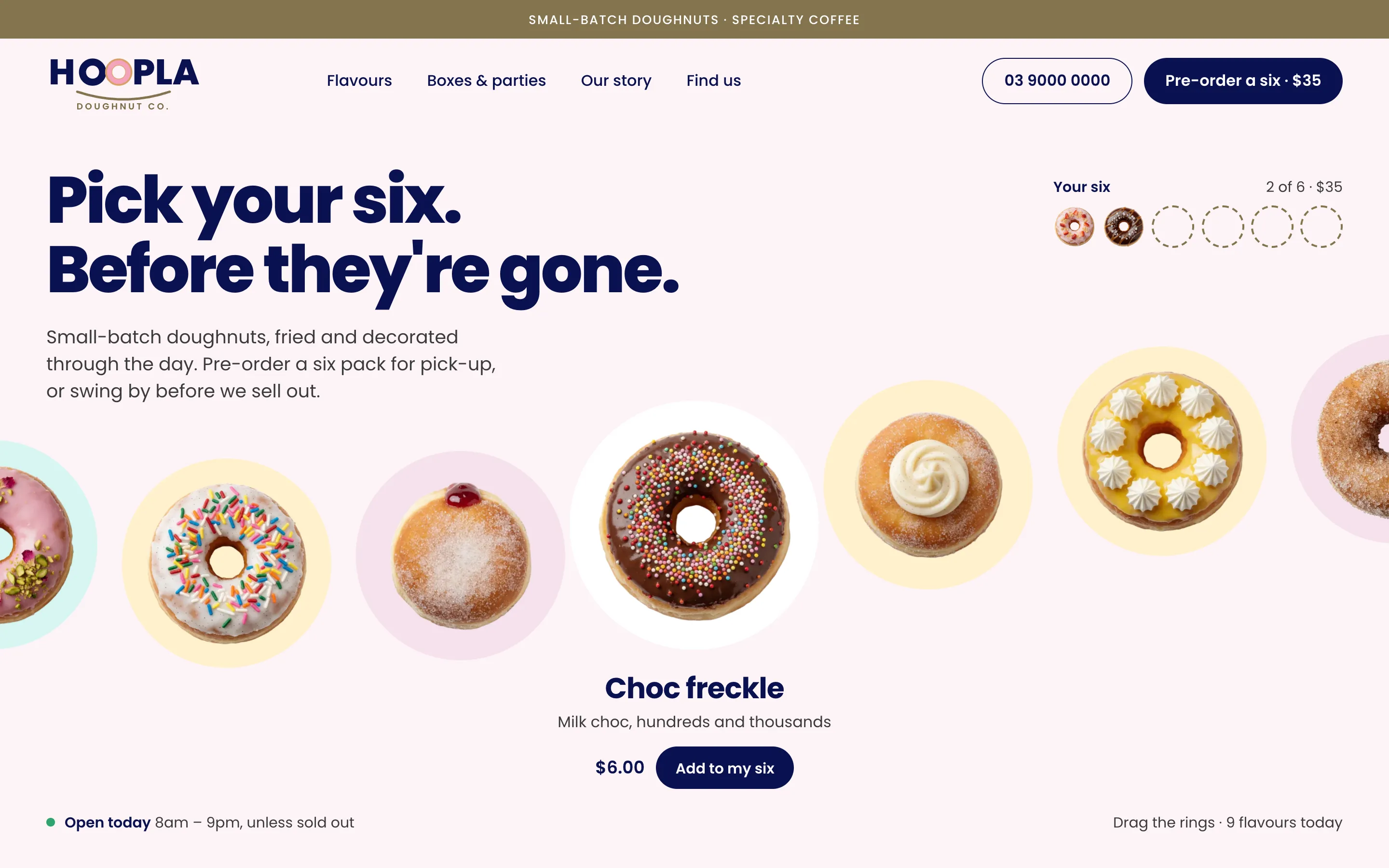
Glaze Wave
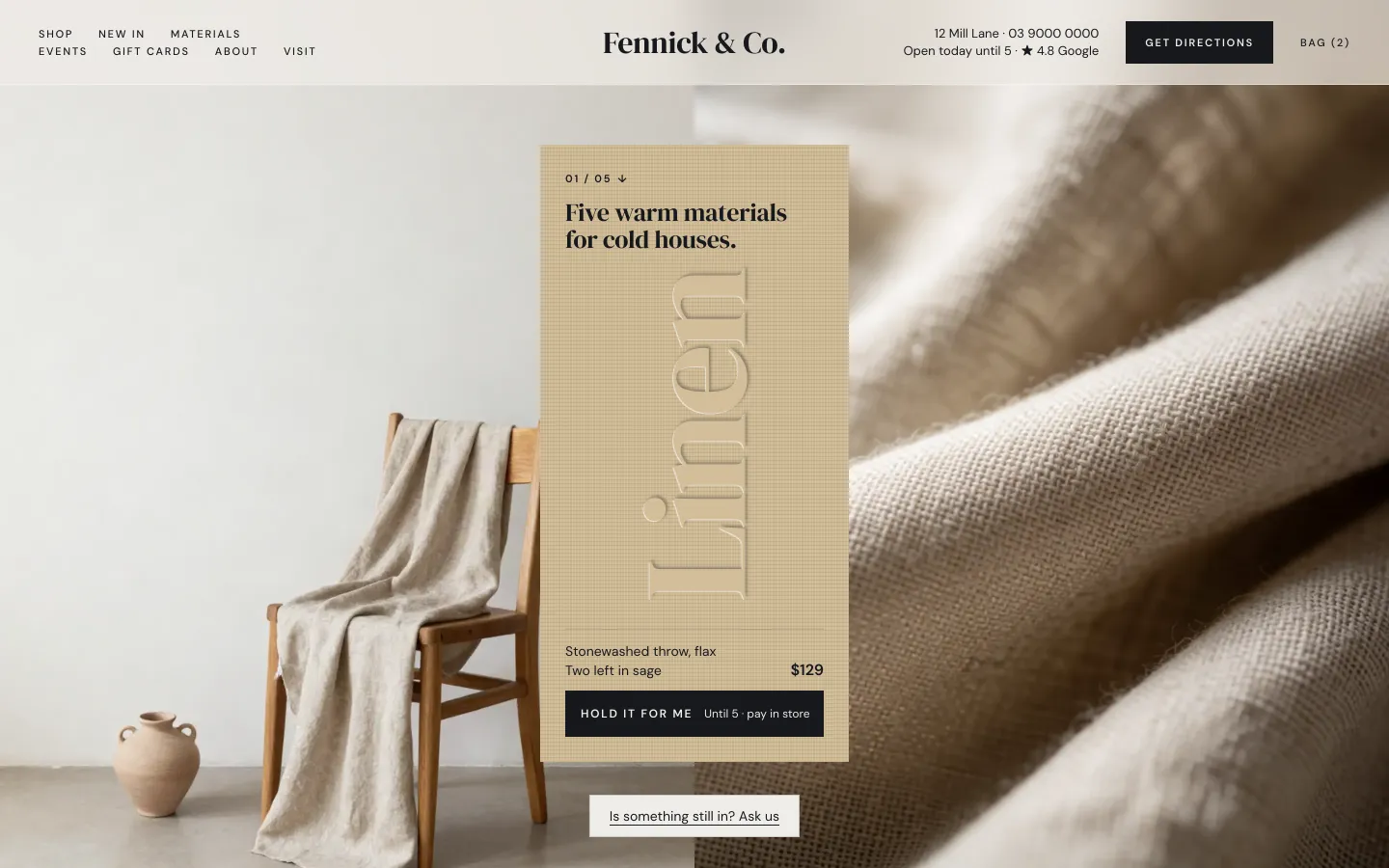
Material Bar
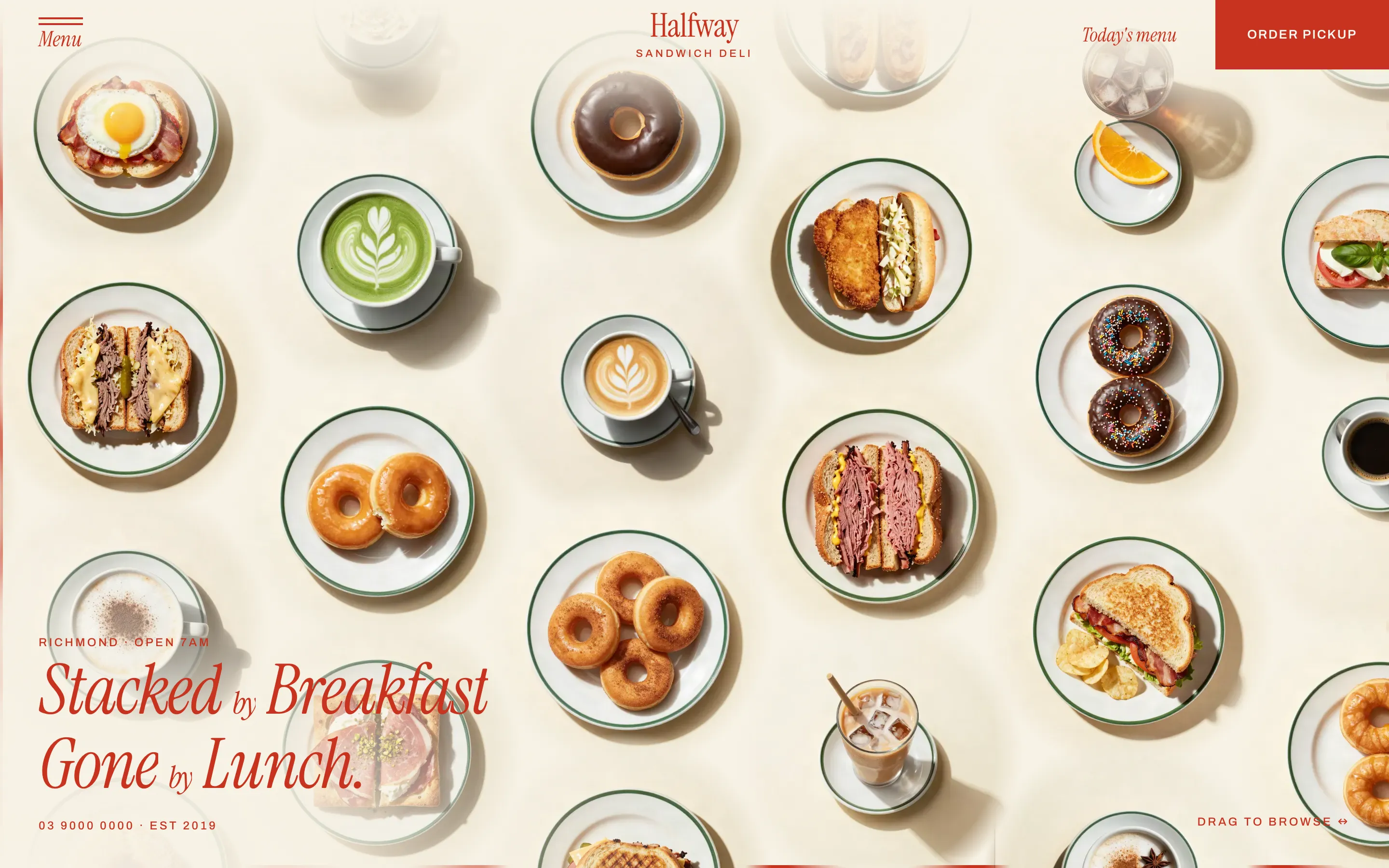
Plate Grid
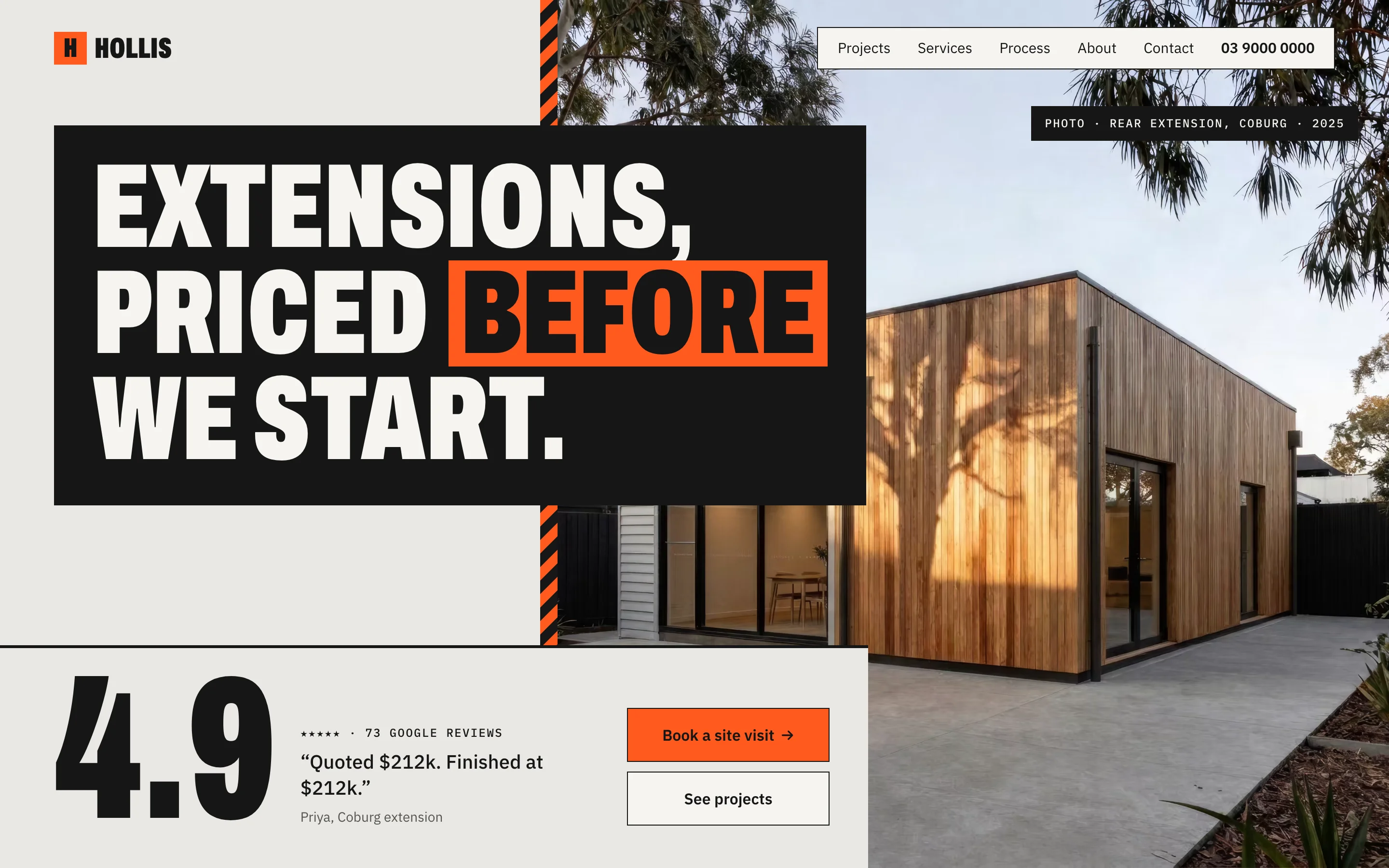
Proof Stack
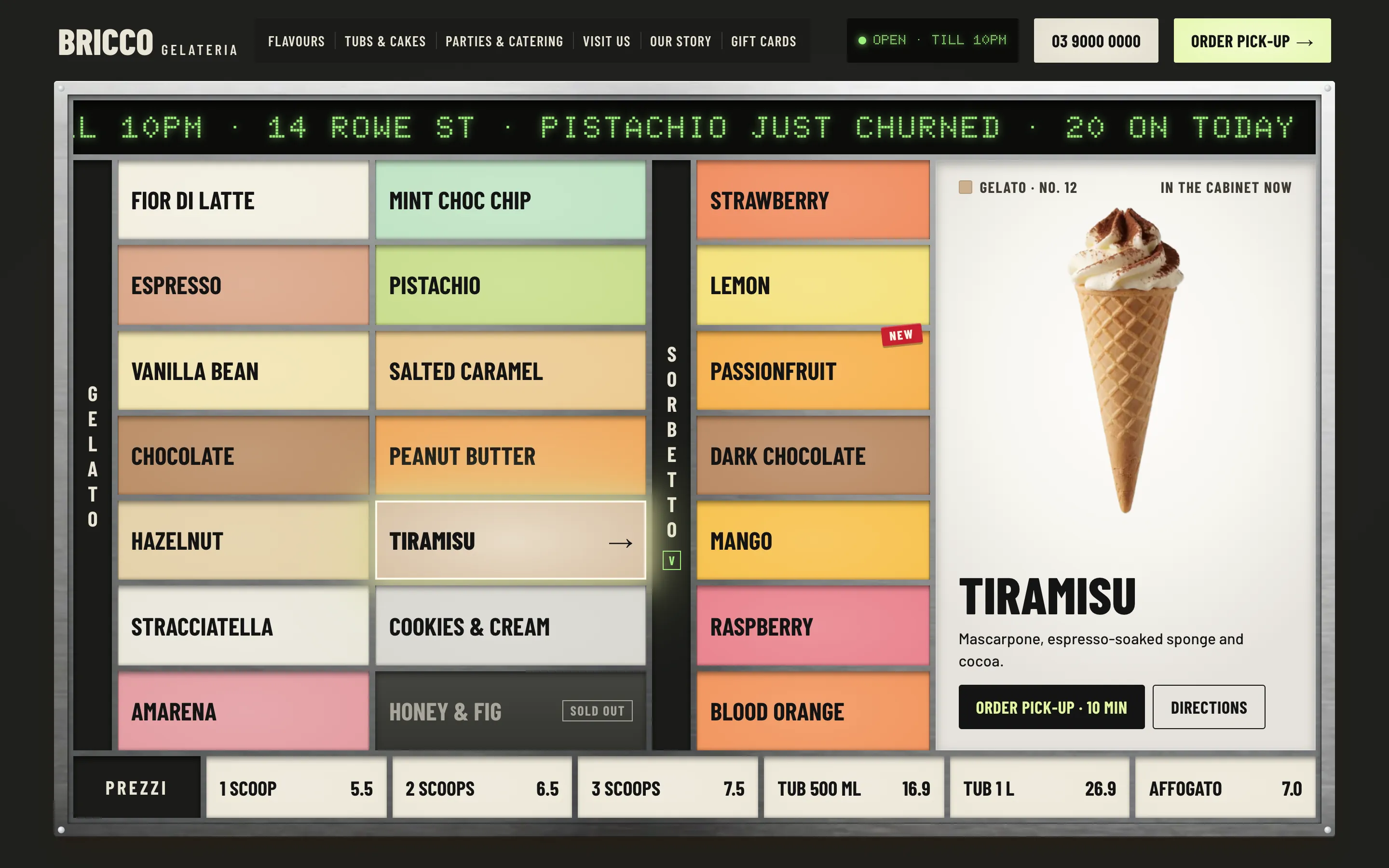
Scoop Board
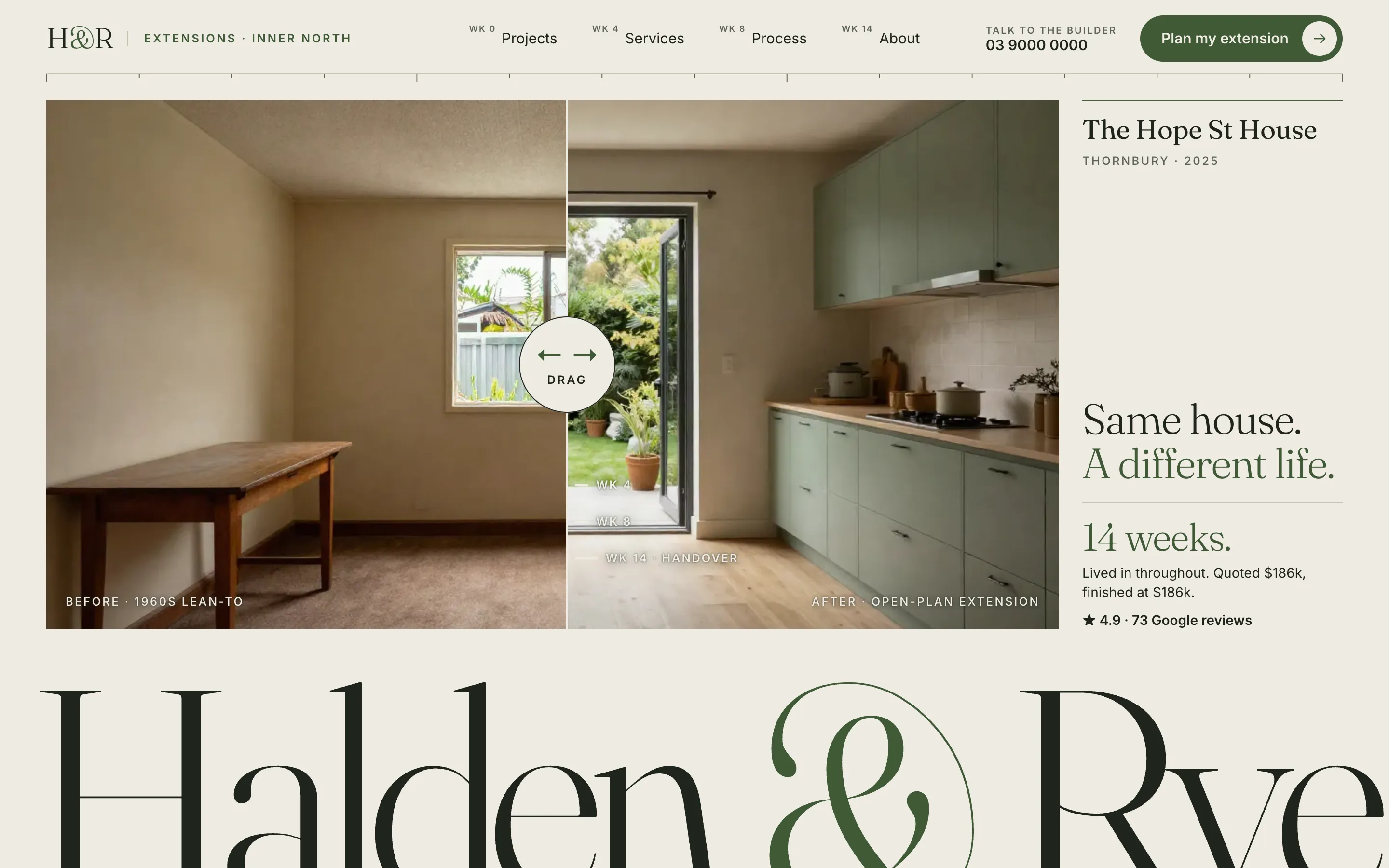
Site Diary
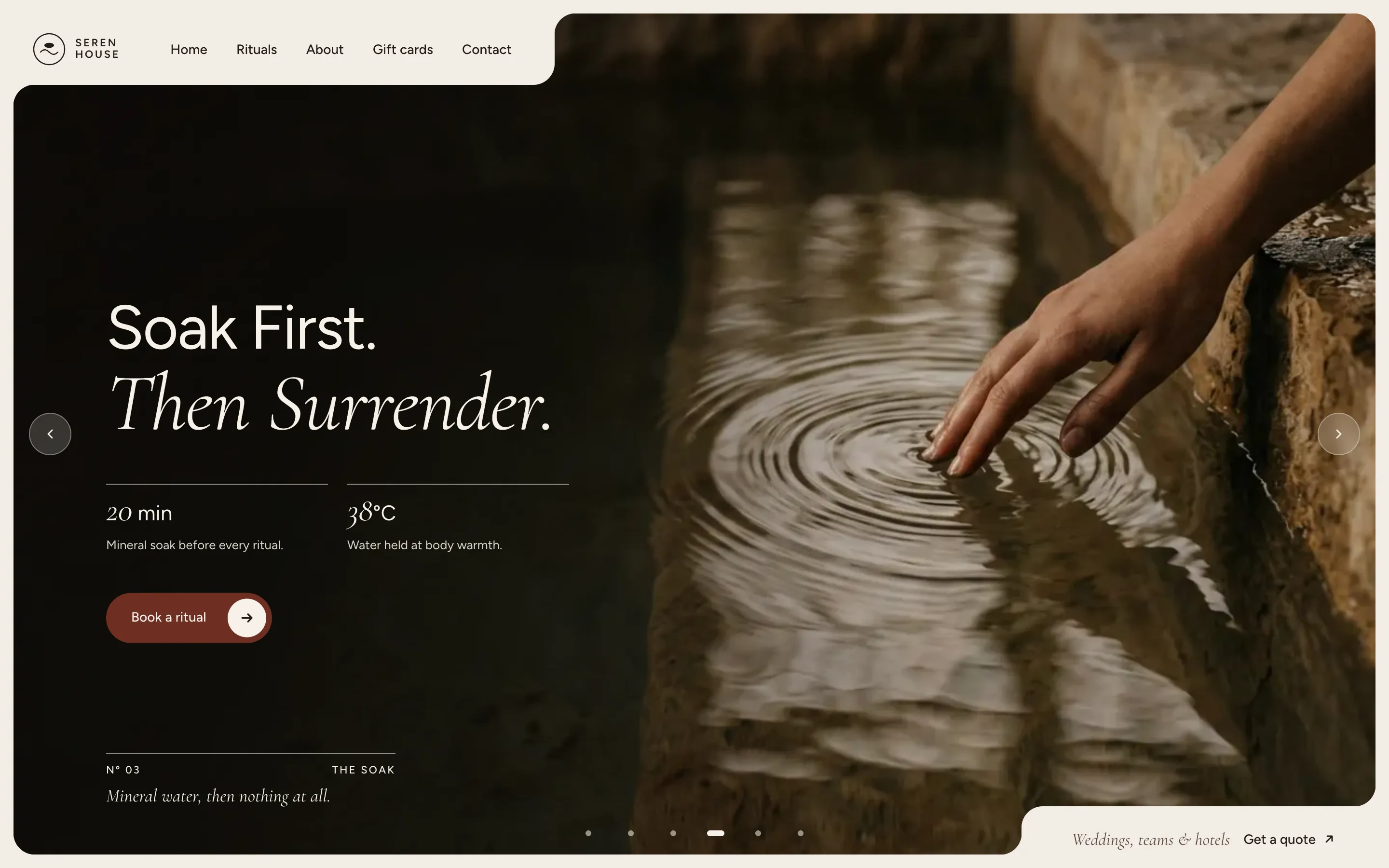
Slow Hands
Sticker Box
Table Card
The Rail
Tile Grid
Trip Index